
Why Your Vacuum Cleaner Battery Drains So Fast (And How to Fix It)
Last updated:
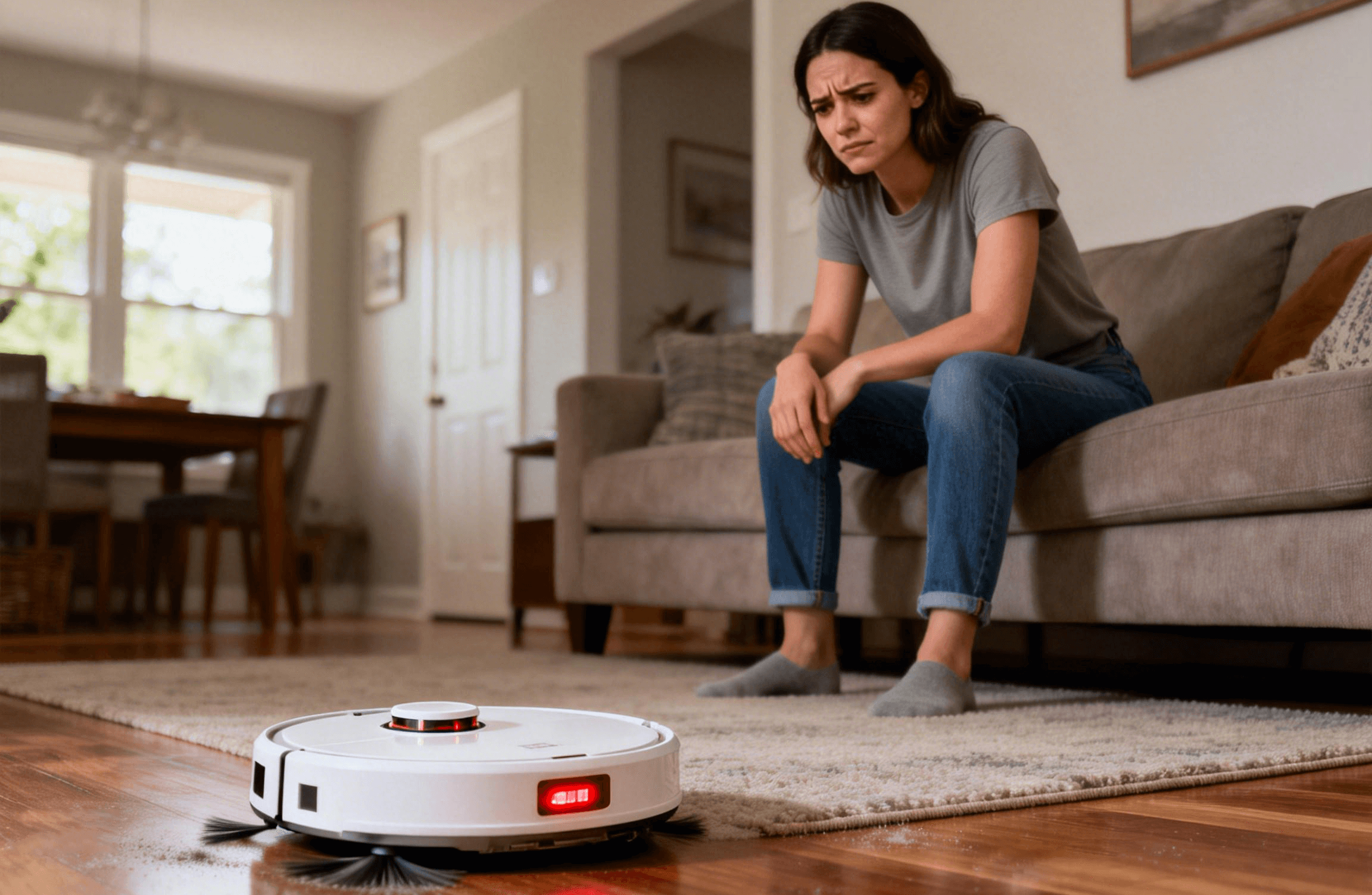
If your cordless vacuum cleaner seems fully charged but runs out of power much faster than expected, the issue is not always the battery itself. In many cases, fast battery drain is caused by how power is being consumed during use. This guide focuses on runtime loss while cleaning — not charging issues or battery safety.
What “Drains Too Fast” Actually Means
Fast battery drain usually refers to a noticeable gap between expected runtime and actual cleaning time. For example, a vacuum that previously ran for 25 minutes may now struggle to last 10–12 minutes under similar conditions.
This does not automatically mean the battery is defective. Runtime loss can be influenced by power demand, airflow resistance, and how battery output is measured during operation.
Power Consumption Comes First — Not the Battery
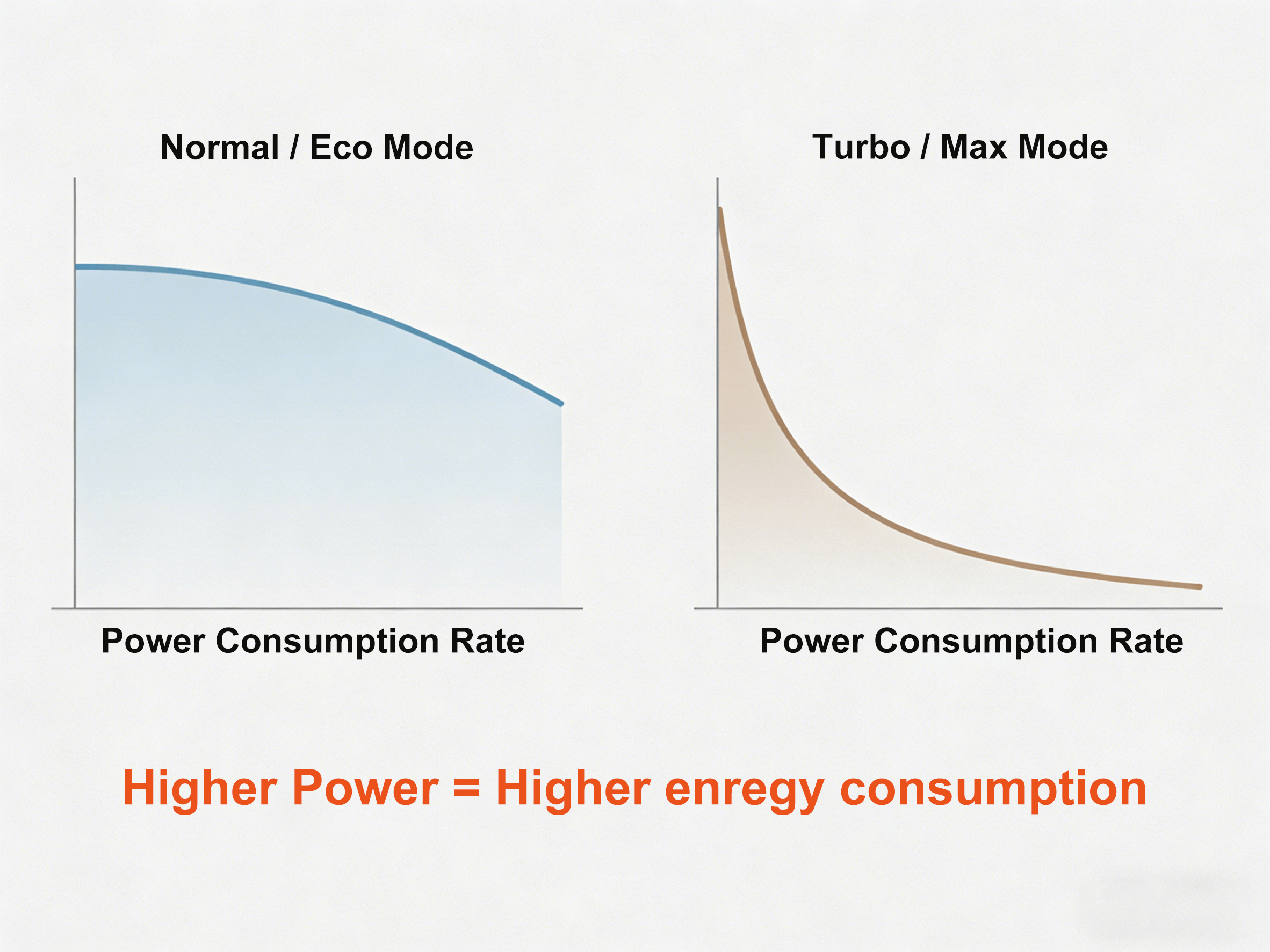
Suction Level and Runtime Trade-Off
High suction modes consume significantly more power. When a vacuum operates in max or turbo mode, the motor draws more current, which shortens usable runtime even if the battery capacity has not changed.
Many users experience fast battery drain simply because high power modes are used continuously rather than selectively.
Floor Type and Cleaning Resistance
Cleaning thick carpet requires more motor effort than hard floors. Increased resistance means higher energy consumption per minute, causing the battery percentage to drop faster during use.
Airflow Problems That Quietly Drain Power
Restricted airflow forces the motor to work harder to maintain suction. This increases energy draw without improving cleaning performance.
- Clogged or heavily soiled filters
- Brush rolls tangled with hair or debris
- Partial blockages inside the vacuum tube
In these cases, the battery is not failing — it is compensating for mechanical resistance elsewhere in the system.
Why Battery Percentage Can Drop Unevenly
Battery indicators do not always decrease at a steady rate. Under high load, voltage drops more quickly, which can make the battery percentage appear to fall suddenly.
This behavior is common in cordless devices and does not necessarily indicate permanent capacity loss. Once the load is reduced, remaining battery capacity may stabilize.
How to Improve Runtime Without Replacing the Battery
- Use high power modes only when necessary
- Clean filters and brush rolls regularly
- Match suction level to floor type
- Allow short cooling periods during long cleaning sessions
These adjustments reduce unnecessary power draw and can noticeably extend usable cleaning time.
When Short Runtime Becomes a Battery Issue
If runtime remains significantly reduced after addressing power usage and airflow issues, battery capacity loss may be a contributing factor. At this stage, reduced performance is more likely related to age rather than usage conditions alone.