To find the correct vacuum cleaner replacement battery, the most important thing is to confirm the battery model or device model. You can get help by checking the battery label, inspecting the vacuum cleaner itself, consulting the user manual, or contacting us directly. Here are some of the most common and reliable methods.
remove the vacuum cleaner battery and check the manufacturer's label on the battery casing. Key information typically includes:
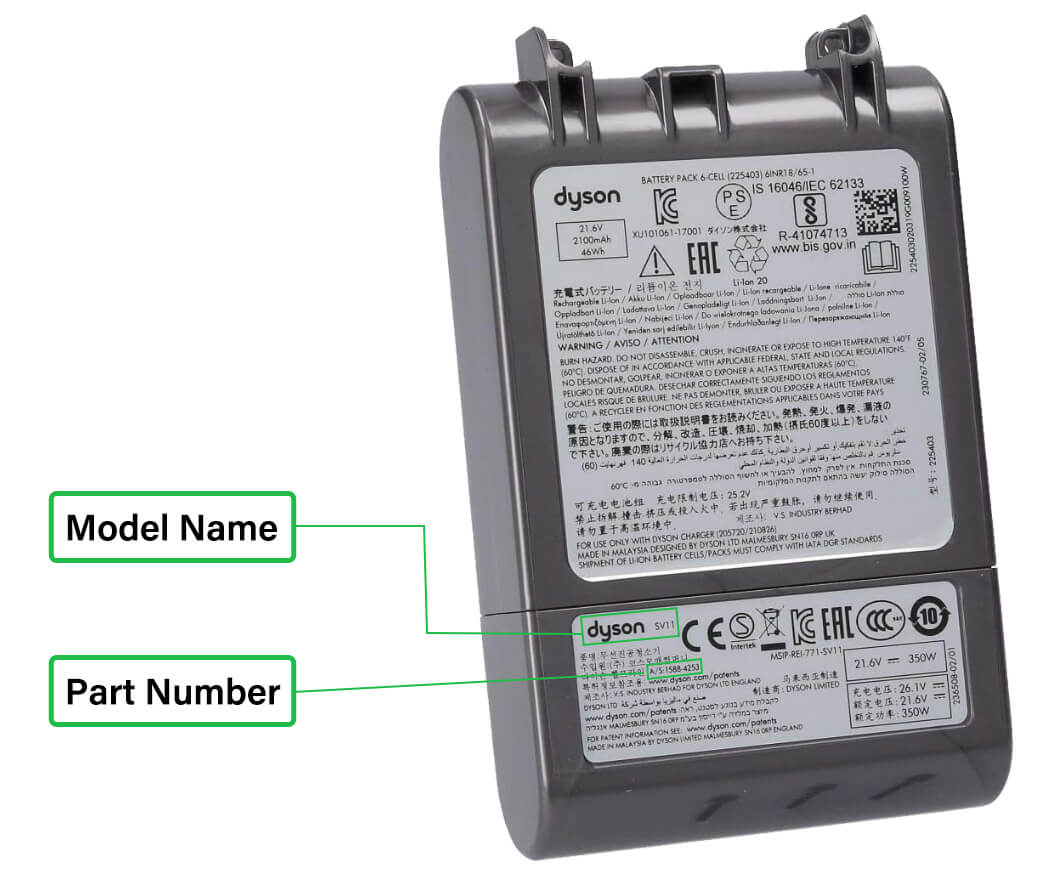
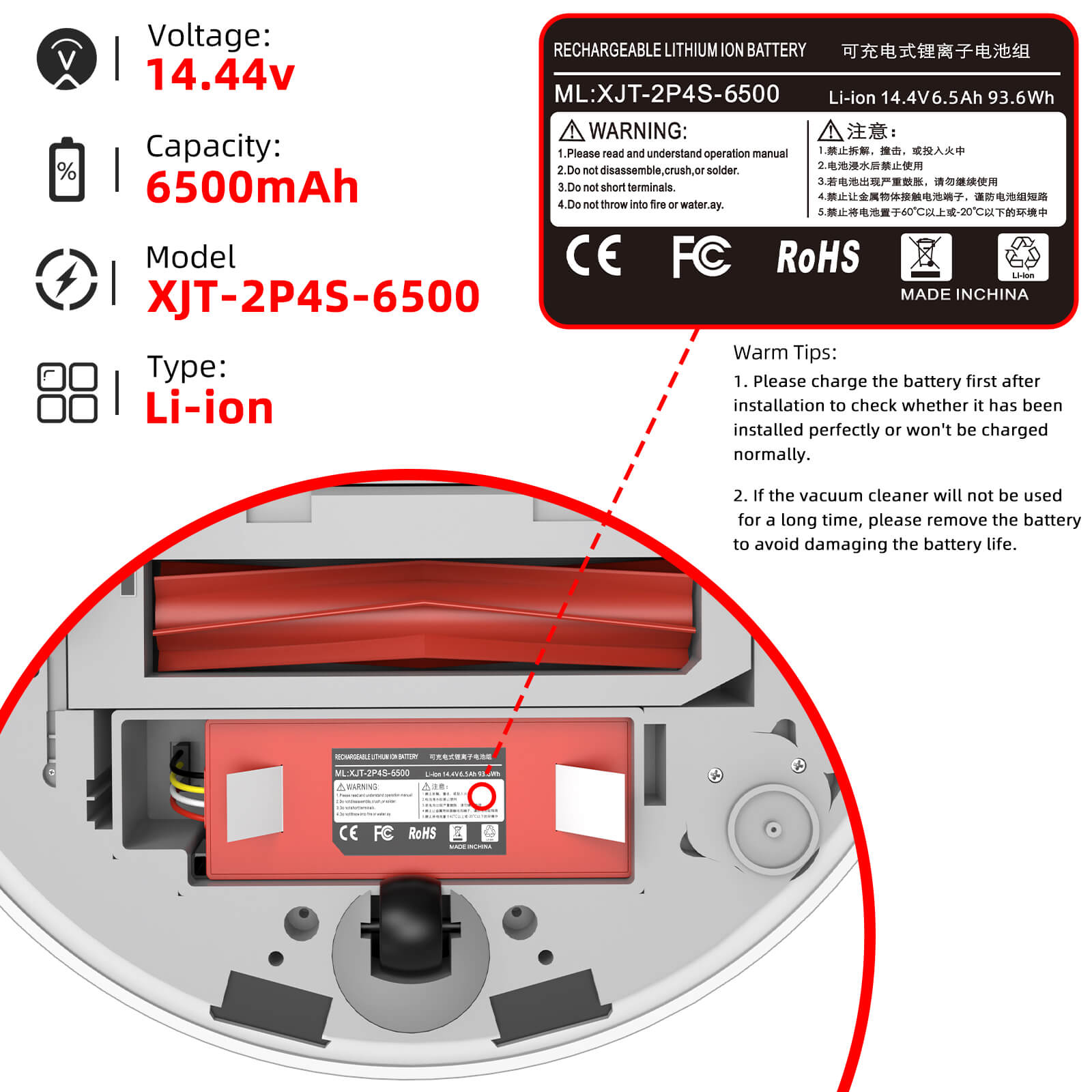
Tip: Most vacuum cleaner batteries will be labeled with a unique model or part number, such as “SV10”, “V8”, or “P/N: 967834-05”. This information is the fastest way to find the correct replacement battery.
If the battery is not removable or the label is worn, check the nameplate or label on the vacuum cleaner body.
Common locations include:
The vacuum cleaner user manual usually lists detailed technical specifications, including:
If you are using an older model, a commercial vacuum cleaner, or cannot confirm the battery information, it is recommended to contact the device manufacturer or a professional battery supplier directly.
When contacting us, please provide the following information:
If you already know your vacuum cleaner's brand or model, you can use our website search function to quickly find a matching battery.
You can also click “Contact Us” or use our “Battery links Request” tool,our professional team will assist you in confirming the model and ensuring you select a safe, compatible, and stable vacuum cleaner battery.